> Command_Prompt_Blog \
  • Home
  • Acronyms
  • Cheat-Sheets
  • User Manuals

SSH

Understanding SSH Key Random Art

Understanding SSH Key Random Art

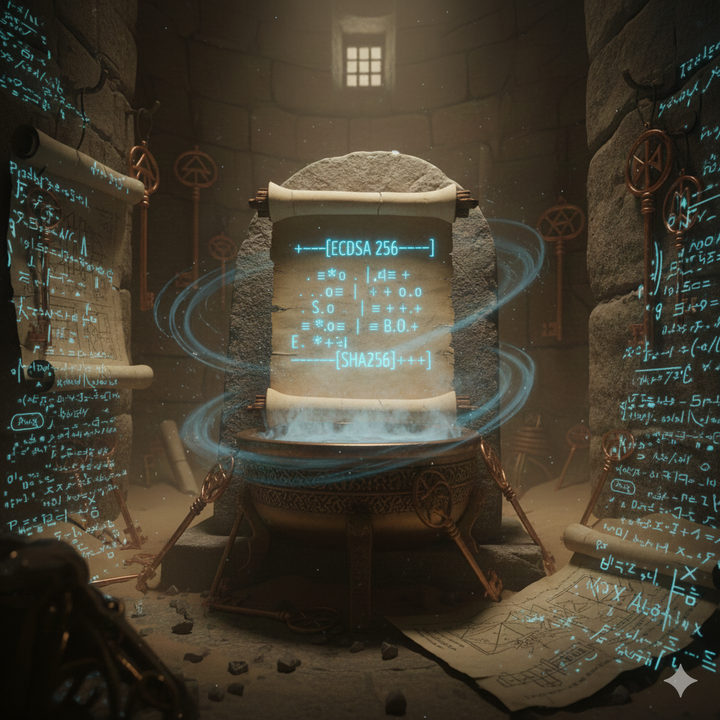
When you generate an SSH key pair, you might have noticed a peculiar ASCII art image appear alongside your key fingerprint: +--[ED25519 256]--+ | .o+= | | . .o.o | | . + .+ | | . = B .o | | . + S + . | | o + = o . | | . o B = .. ..| | . = * o..o.o| | E . o.oo+=+| +----[SHA256]-----+ This image is called randomart, and
Claudia 11 Jan 2026

Create alias to connect to tunneled VM via SSH

If you need to create an alias in linux (Fedora 35+) to execute an SSH connection to a VM and then inside that VM run another SSH connection to another VM then read this: 1. Create .bashrc.d folder in your home folder. mkdir -p ~/.bashrc.d 2. Create a
Hec P. 07 Feb 2023

Authorize a user to authenticate with SSH key

NOTE: I am assuming that sshd is already up and running on your Skynet server. If not, run systemctl status sshd, if down you can run systemctl start sshd and systemctl enable sshd to start the service and allow it to run at system startup. For the purposes of this
Hec P. 10 Mar 2022
> Command_Prompt_Blog \ © 2026. Powered by Ghost