> Command_Prompt_Blog \
  • Home
  • Acronyms
  • Cheat-Sheets
  • User Manuals

macOS

How to install HashCat in MacOS

How to install HashCat in MacOS

Well well well, it's time to put that shiny M2 Pro chip to the test right? It seems to be as simple as: brew install hashcat Which will have an output similar to this: terminator@skynet ~ % brew install hashcat ==> Homebrew collects anonymous analytics. Read the analytics documentation
Hec P. 28 Jul 2023
How to install Visual Studio Code in MacOS

How to install Visual Studio Code in MacOS

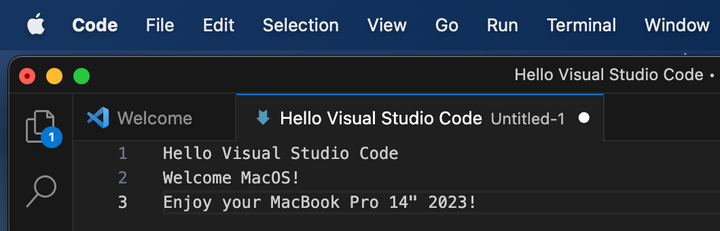
VS Code, the most recent developer's favorite. Here is how to get it all setup on your new MacBook Pro 14" 2023! 1. Download the installer from Visual Studio Code's offical website or use this direct link. 2. Locate the downloaded file 3. Open the
Hec P. 22 Jul 2023
How to install NVM in MacOS

How to install NVM in MacOS

Node Version Manager is a must for us developers. Homebrew is required to follow this tutorial. Installing NVM is quite simple: terminator@skynet ~ % brew install nvm The output should look similar to this: terminator@skynet ~ % brew install nvm ==> Fetching nvm ==> Downloading https://ghcr.io/v2/homebrew/core/nvm/
Hec P. 22 Jul 2023
How to install Homebrew in MacOS

How to install Homebrew in MacOS

This is it baby! Got my first MacBook Pro 14" 2023 yesterday and I am so happy with it. Definitely the most expensive and most powerful computer I ever had, also the first new laptop for personal use I ever had as well. It's time to start
Hec P. 21 Jul 2023
> Command_Prompt_Blog \ © 2026. Powered by Ghost